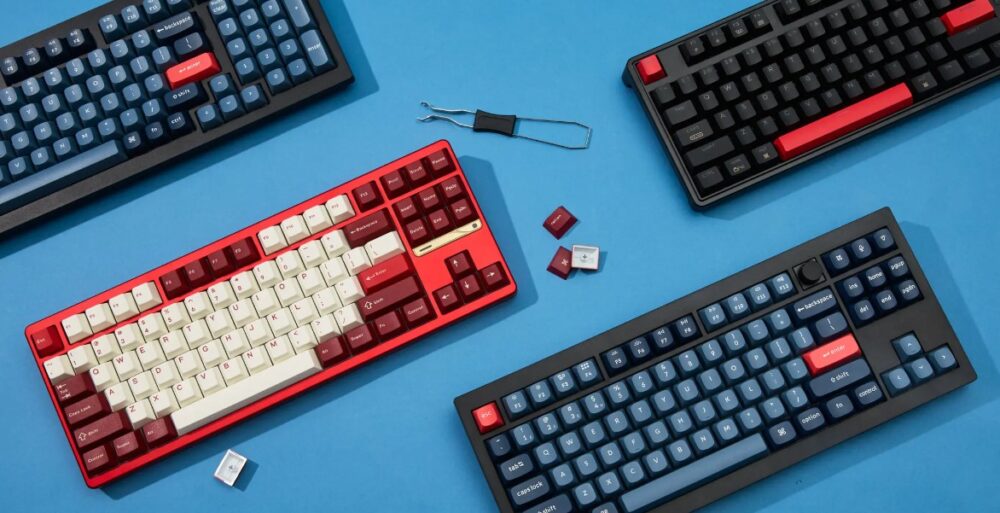
Writing and editing often look like purely mental work, yet the tools under your hands influence the pace of every sentence. A keyboard that fits your habits can reduce friction, cut repetitive movements, and help ideas move onto the page faster. Many writers never adjust their keyboard settings, even though small changes can noticeably improve comfort and workflow.
Keyboard customization does not require technical expertise. A few thoughtful adjustments can transform routine typing into a smoother and more efficient process. Layout tweaks, shortcut mapping, and smarter input tools allow writers to focus on language instead of mechanics. When the keyboard responds exactly as expected, writing becomes more fluid and editing tasks move much quicker.
The sections below explain practical ways to customize your keyboard so writing sessions feel faster, more controlled, and far less frustrating.
Choosing better input tools for daily writing
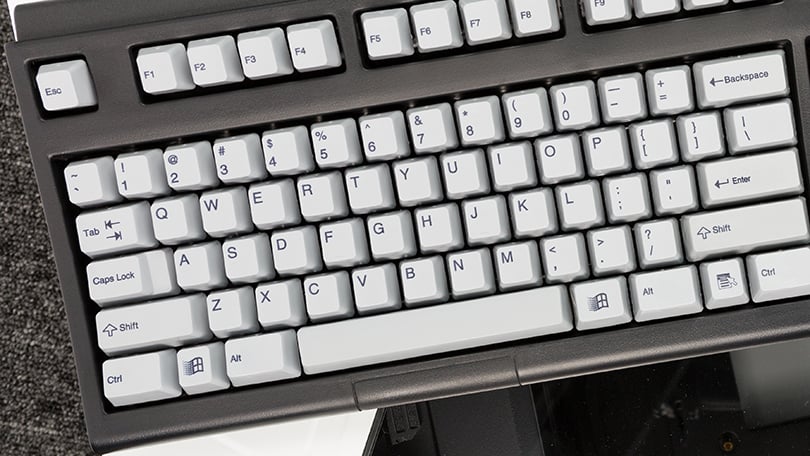
Keyboard efficiency depends not only on physical keys but also on input software. Many writers use built in systems without exploring alternatives that offer better prediction and smarter text entry.
For example, writers who work with Chinese input methods often install tools that improve word suggestions and typing accuracy. A well known option is 搜狗下载, which provides advanced predictive typing and dictionary support. Many writers prefer it because suggestions appear quickly and reduce the number of keystrokes needed to form complete words or phrases.
Language input tools can influence writing speed more than expected. Smart prediction helps during drafting. Accurate dictionaries reduce spelling errors. Smooth switching between languages supports bilingual writers.
Input software works silently in the background. Yet a good system shortens writing time and keeps the keyboard interaction smooth.
Remapping keys for faster editing
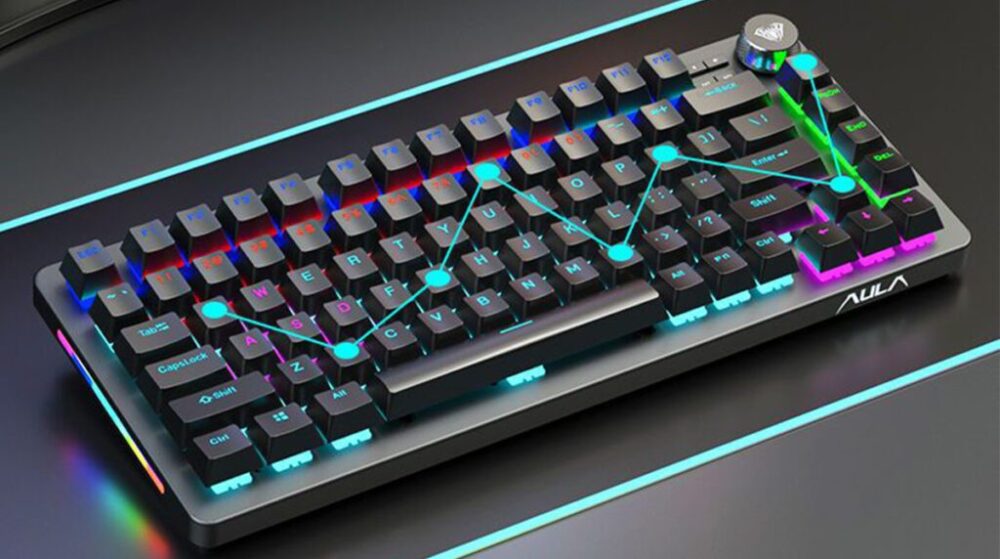
Default keyboard layouts rarely reflect how writers actually work. Editing commands appear in awkward positions, and some keys remain unused during writing sessions.
Key remapping solves that problem. Many operating systems allow users to reassign keys or create custom functions.
Before remapping keys, consider which actions appear most often during editing. The following list helps identify useful candidates.
- Replace rarely used keys with copy, paste, or undo commands
• Assign a single key for inserting comments during editing
• Map navigation keys for jumping between paragraphs
• Convert Caps Lock into a control key for shortcuts
After a few days the new layout becomes second nature. Hands move less, and editing tasks require fewer steps.
Writers who edit large documents often report significant time savings once key remapping becomes part of the workflow.
Building shortcut systems that match your workflow
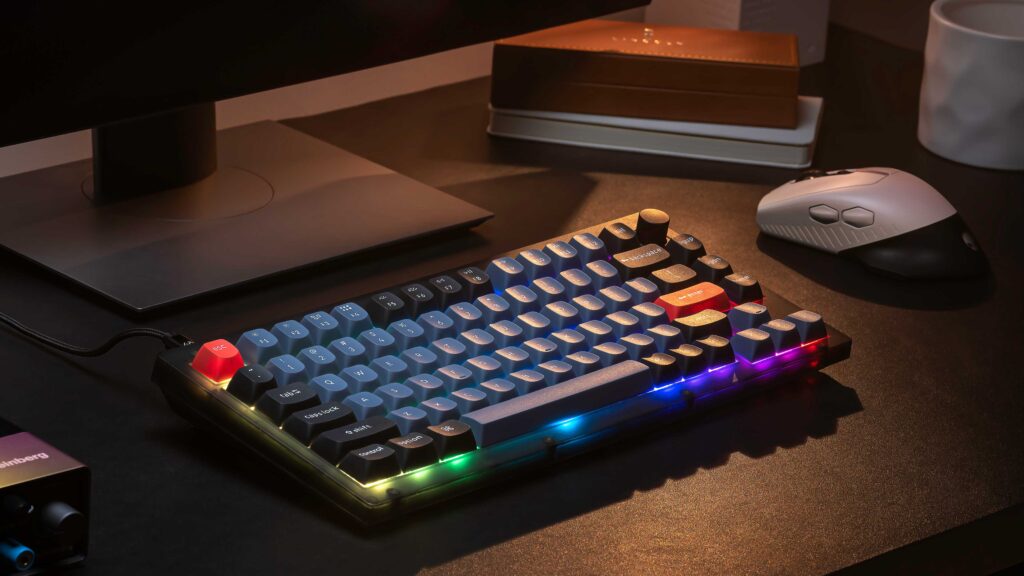
Keyboard shortcuts form the backbone of an efficient writing setup. Instead of reaching for menus, writers execute commands instantly.
Many applications already include shortcuts, yet custom combinations often fit better. Think about writing tasks that repeat throughout the day. Formatting, navigation, and revision tools often benefit from dedicated shortcuts.
Shortcuts can support tasks such as:
- Highlighting text during revisions
• Switching between writing and editing modes
• Moving quickly between headings or sections
• Triggering grammar or spell check tools
Consistency matters more than complexity. Shortcuts should feel predictable and easy to remember. When every frequently used action sits behind a simple key combination, editing becomes faster and far less disruptive.
Over time the keyboard starts to feel like an extension of the writer’s thought process.
Exploring alternative keyboard layouts
Many people assume that the standard keyboard layout is the most efficient option. That assumption does not always hold true. Alternative layouts place common letters closer to the strongest fingers.
Below is a simple comparison between popular layout choices used by writers.
| Layout | Key Advantage | Typical Use |
|---|---|---|
| QWERTY | Familiar and universal | Default choice in most systems |
| Dvorak | Reduced finger movement | Writers seeking typing comfort |
| Colemak | Balanced speed and learning curve | Productivity focused users |
Alternative layouts reduce strain and can increase typing speed after an adjustment period.
Learning a new layout takes patience. Yet writers who type heavily every day sometimes find the transition worthwhile. A layout that aligns with natural finger movement reduces fatigue and encourages longer productive writing sessions.
Improving navigation inside large documents
Writing rarely happens in a straight line. Authors jump between sections, revisit earlier paragraphs, and reorganize ideas frequently. Efficient navigation tools keep that movement quick.
Customized navigation shortcuts help writers travel across documents without losing focus.
Common navigation actions include:
- Jumping between headings in structured documents
• Moving quickly to the beginning or end of paragraphs
• Selecting entire sentences or blocks of text
• Opening search and replace tools instantly
When navigation shortcuts feel natural, writers spend less time scrolling and more time shaping content.
Large documents benefit the most. Editing a long article, research paper, or book becomes manageable when keyboard commands handle movement across the text.
Small adjustments that improve typing comfort
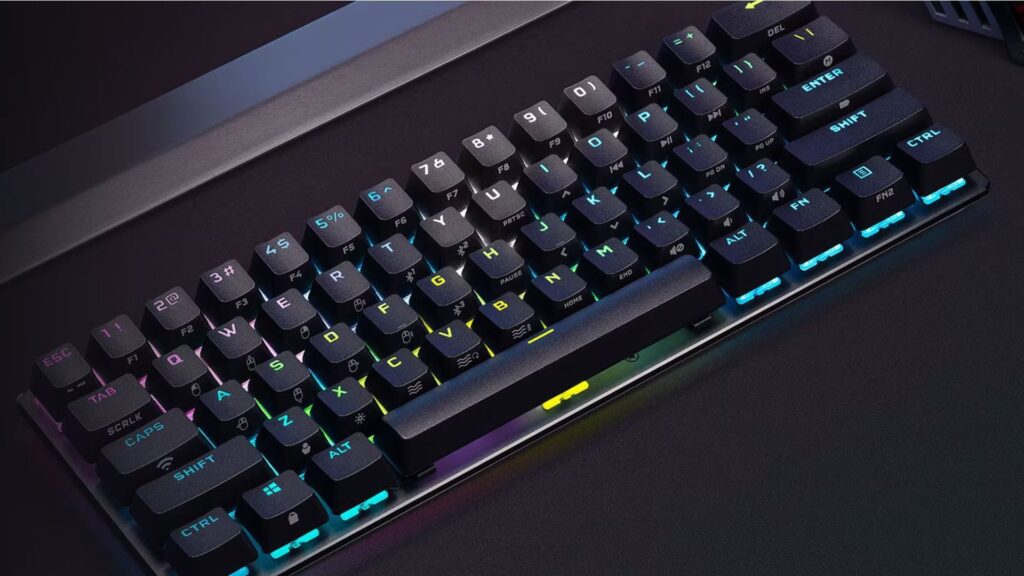
Comfort plays a major role in writing productivity. Even small ergonomic improvements can change how long and how comfortably someone writes.
Writers often overlook these adjustments.
- Adjust keyboard angle to keep wrists neutral
• Increase key repeat delay to prevent accidental characters
• Enable sticky keys for easier shortcut combinations
• Activate tactile feedback if the keyboard supports it
Comfort settings influence writing endurance. When hands remain relaxed, writers maintain concentration for longer sessions.
Important fact
Research published by the National Institutes of Health shows that ergonomic keyboard positioning reduces strain and improves typing endurance during extended computer use.
Physical comfort and software customization work together. Both contribute to smoother and more sustainable writing habits.
Did you know keyboard customization affects editing accuracy
Editing accuracy improves when keyboard actions require fewer movements. Fewer movements mean fewer opportunities for mistakes.
Did you know that many professional editors customize their keyboard specifically for revision work. Editing involves repetitive tasks such as deleting, rephrasing, and rearranging text. When those commands sit behind intuitive shortcuts, editors make fewer mechanical errors.
Faster editing also improves concentration. Writers stay focused on sentence structure and clarity rather than technical steps.
A well configured keyboard becomes invisible during writing. Attention shifts entirely toward ideas, tone, and structure.
Many experienced writers describe this state as writing flow. Customization plays a quiet but important role in reaching that state.
Bringing everything together
Keyboard customization may sound technical at first, yet the concept remains simple. Adjust the keyboard so it supports the way you write.
A few thoughtful changes often produce the biggest impact. Better input tools speed up typing. Remapped keys simplify editing tasks. Smart shortcuts keep navigation effortless. Comfortable settings allow longer and more productive writing sessions.
Every writer develops different habits, so the best keyboard setup always reflects personal workflow. Experiment with small adjustments and keep the ones that feel natural.
Over time the keyboard stops feeling like a tool that slows you down. Instead it becomes a quiet partner in the writing process, helping ideas move from thought to page with far less friction.